Dein Warenkorb ist leer
Weiter shoppenHast du ein Konto?
Logge dich ein, damit es beim Checkout schneller geht.
Hast du ein Konto?
Logge dich ein, damit es beim Checkout schneller geht.
ZikeTech
Niedriger Lagerbestand: 26 verbleibend
Parameter:
●NVMe SSD support including M.2 M-key connector, M.2 2280, M.2 NVMe
●Low temperature operation with heat dissipation and hard-shell case for protection
Dimedsions & Weight:
●112 x 66.8 x 18mm / 4.4” x 2.6” x 0.7”, 245g / 0.54 lb / 8.64oz
Free shipping on orders over $30 with a 30-day return policy. International duties & taxes may apply and are not calculated at checkout. Orders ship within 1-2 business days.
Verfügbarkeit für Abholungen konnte nicht geladen werden
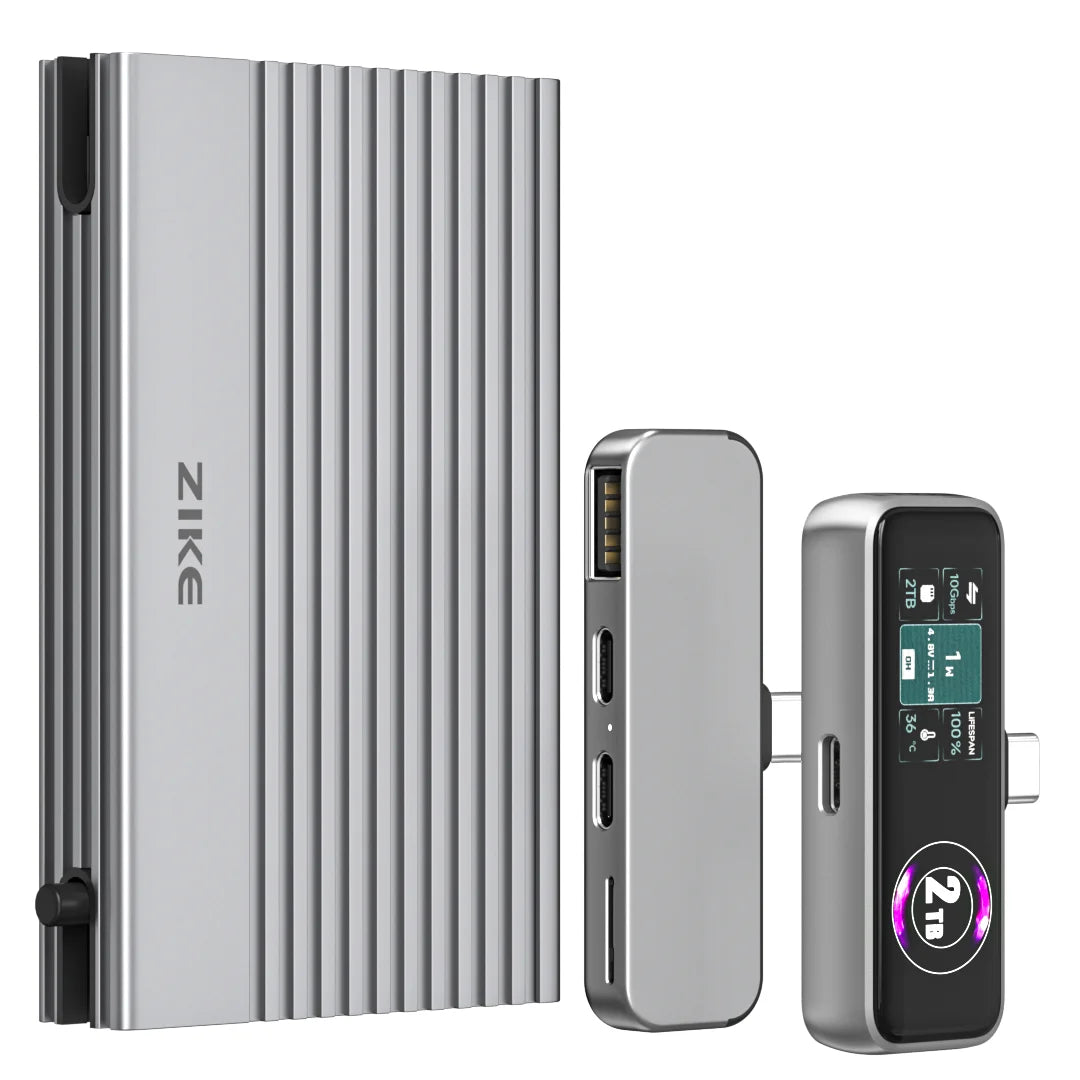
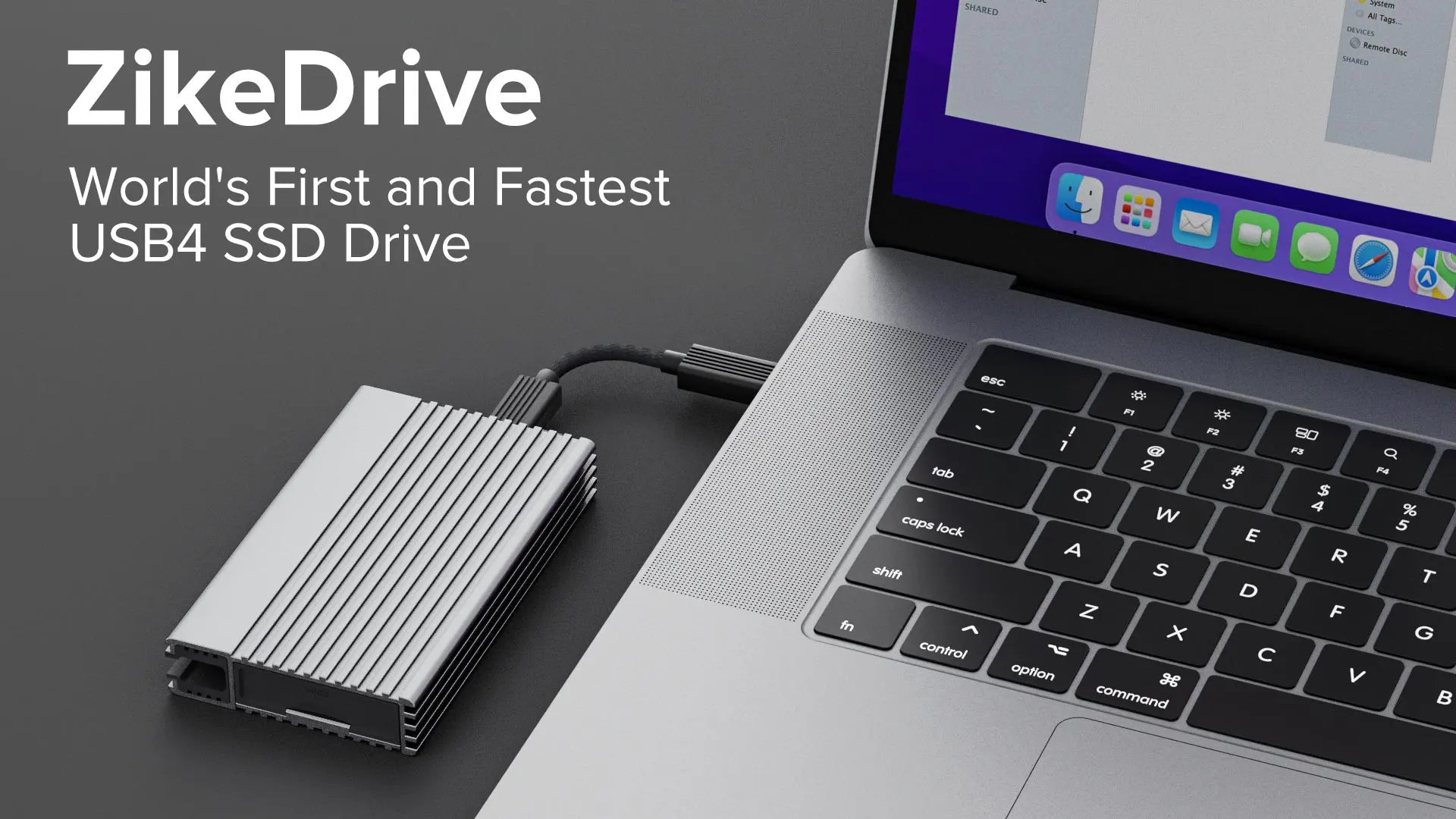
ZikeDrive USB4 40Gbps NVMe M.2 SSD Enclosure with Long Cable







ZikeDrive offers a read speed of 3811 MB/s and a write speed of 3199 MB/s. Faster than the fastest Thunderbolt 3 SSD drives on the market. It only takes 5 minutes to transfer a 1TB file, the leading speed in the world.

ZikeDrive has the latest ASM2464PD main control chip, which integrates many cutting-edge technologies. ZIKE is the first brand Asmedia has cooperated with on this chip. It is a true USB4 SSD enclosure.
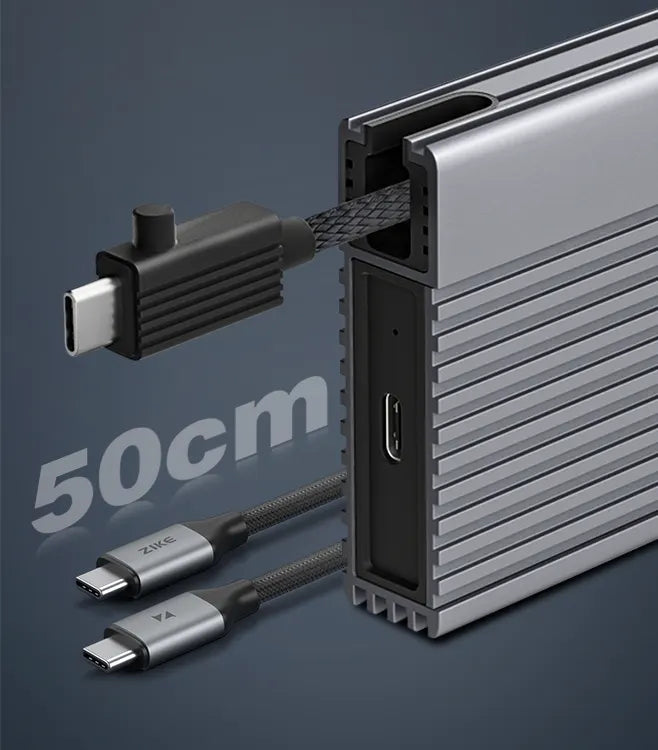
The included USB 4 cable is detachable and can also be stored directly inside the ZikeDrive. With the built-in USB4 cable, you'll never forget your cables. In addition, we also provide a 50cm high-quality USB 4 cable to facilitate your use in multiple scenarios.
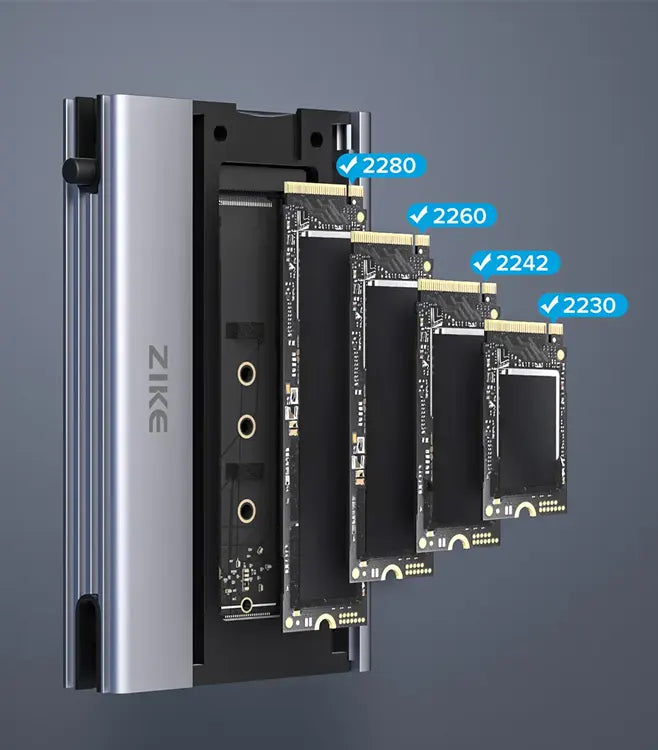
ZikeDrive is perfectly compatible with 4 specifications of SSD including 2280, 2260, 2242, 2230.

4K/120fps
Shoot cinematic, ultra-smooth 4K/120fps video like the next Spielberg — without filling up your iPhone's memory. Just plug in and shoot! Perfect for iPhone 16/15 Pro/Max users who want to maximize video quality without being limited by memory.
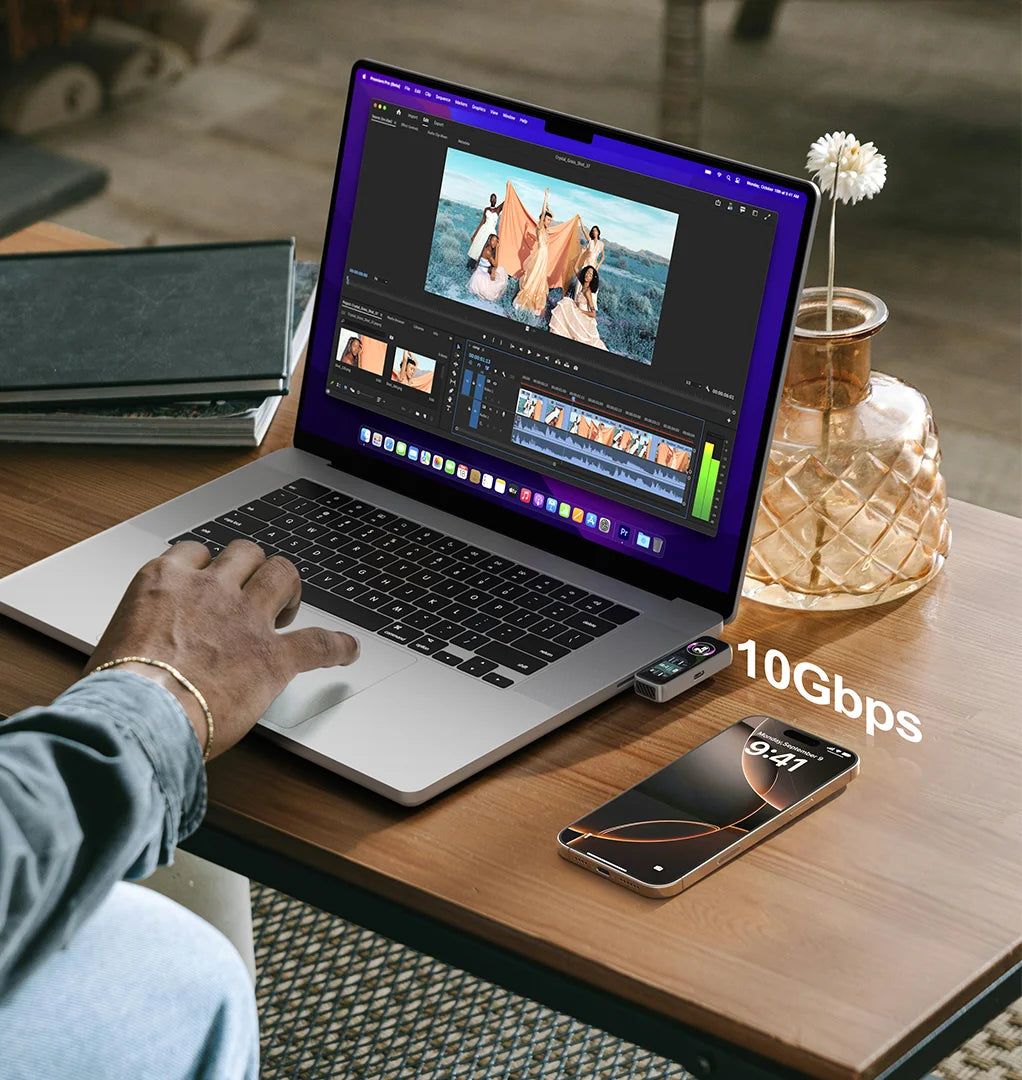
10Gbps
With transfer speeds of 10Gbps and read and write speeds of up to 990MB/s and 960MB/s, it’s like the Usain Bolt of storage – because who has time to wait?
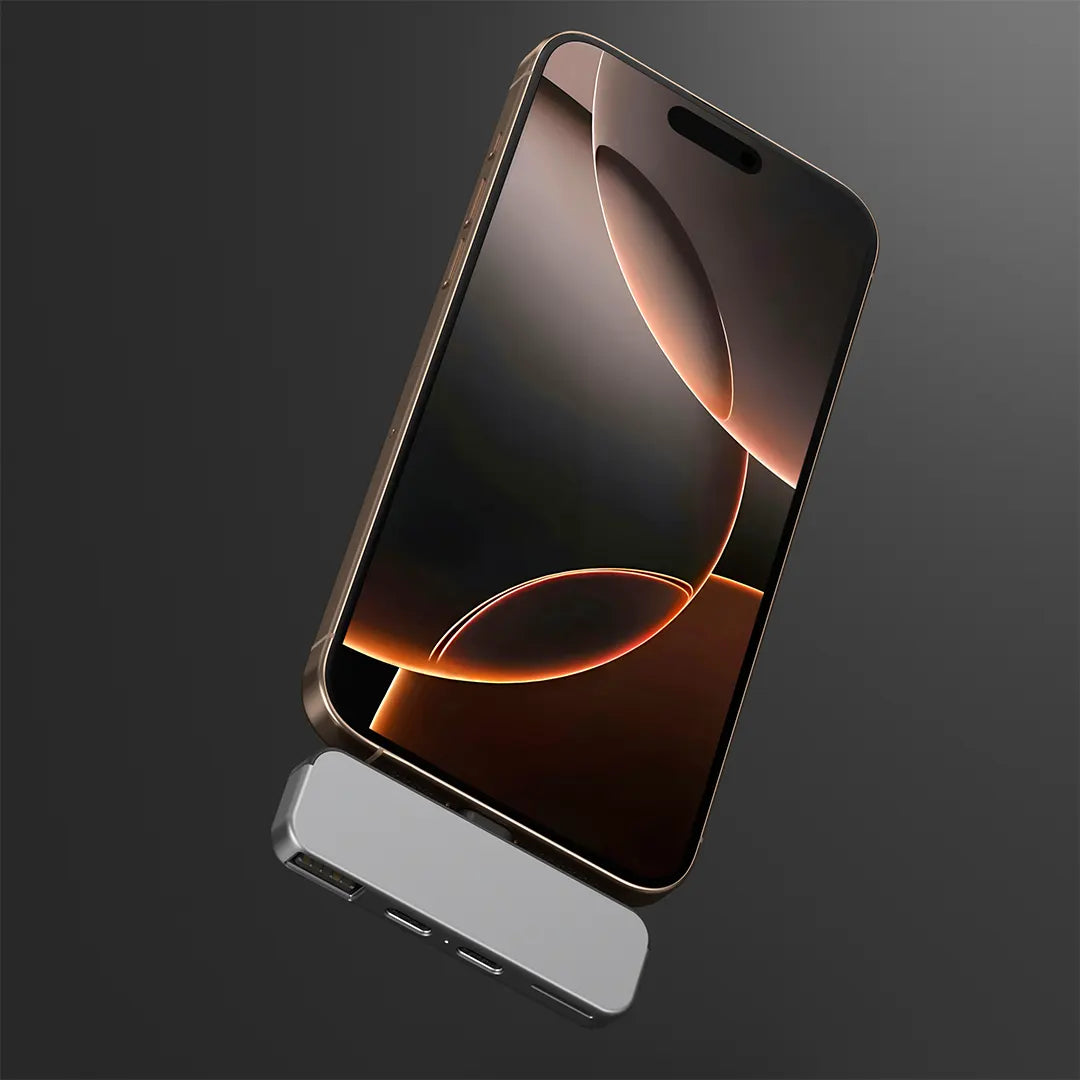
Just like an overprotective parent, we've tailored the ZIKE Extender specifically for the iPhone 16, ensuring a perfect match.
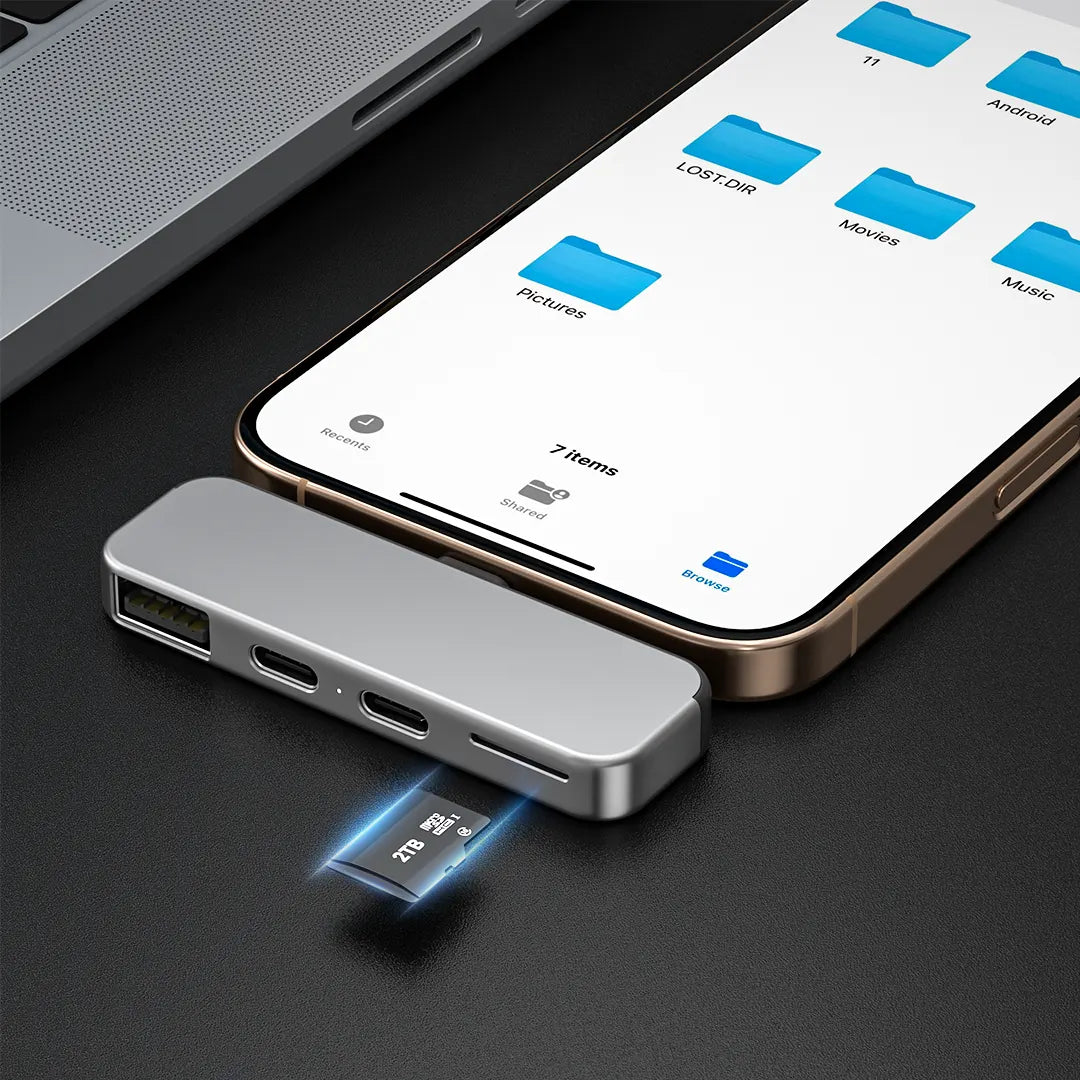
Never worry about running out of space again. Our ZIKE iPhone 16 extender comes with a TF UHS-II port and supports up to 2TB of capacity expansion, providing ample space for your growing digital library.
Hello! The first batch was shipped on August 13, and the second batch is expected to be shipped by the end of August 2023.
Hi, ZikeDrive supports most brand NVMe SSDs. We have tested on Samsung WD and other brands, all works great. we have not found it is not compatible with other NVMe SSDs. Due to the real working environment, the speed will be a little affected, and it’s hard to determine which one will have the best performance.
ZikeDrive use ASM2464PD chip, it is developed by Asmedia - (a subsidiary of ASUS Group), which is the first company in the world to launch a USB4 master chip certified by USB-IF.
Yes, it supports removing from the driver, mainly used to protect the SSD enclosure from dropping and scratching.
Currently it can support capacity of 16TB, and for larger, updateFW needs to be adapted according to the specifications of the SSD.
1. Open the metal cover of the housing.
2. Turn the SSD fixing rubber plug so that the semicircular boss of the rubber plug aligns with the SSD gap, insert the SSD, and then turn the fixing rubber plug to lock the SSD.
3. Peel off the blue film on the thermal pad that has been adhered to the metal cover, and then close the cover.
4. Take out the included USB4 cable, connect the SSD hard disk box and the computer, and you can start using it.
5. The SSD shell will generate high temperatures during use, please use it with caution.
Hope it helps you.
Thanks for shopping with ziketech.com. International shipping might experience delay due to covid-19. To track your order, please contact support@ziketech.com or click this link to enter your tracking number.
Order Processing Time
Please check our shipping policy for details
The solution is:
Device Manager>Disk Drive>Select Drive>Properties>Policy>Enable Write Cache Disk Performance Settings.
1.Right-click This PC==>Select Manage
2.Select: Disk Management==>Select the target disk, right-click and select Properties
3.Select Policy==>Select Better Performance, enable write cache on the device and click OK to achieve the best performance of the disk.
If the disk performance improvement has been set, but the performance improvement still has no effect, don't worry. It is recommended that you first check whether the ahci mode of your computer is turned on and whether the Intel RST driver is installed. If the above settings are completed, but the problem still occurs, you can change a computer to see if the reading and writing are normal.

System: Minisforum UM790 Pro
SSD: Lexar NM790 4TB

Supporter Mike used a Zenbook UX6404VI laptop with i913900H. Windows 11 Pro, paired with a WD Black SN850X 2TB with the WD Black Heatsink, and achieved record breaking speeds!
*Due to different systems and test APP algorithms, the read and write speed of Mac system will be slower than Windows.
As we all know, the speeds obtained by each device may vary, we cannot guarantee that everyone can get speeds above 3000MB/s, I hope you can understand, thank you.
ZikeDrive USB4 NVMe SSD Enclosure Z666