Dein Warenkorb ist leer
Weiter shoppenHast du ein Konto?
Logge dich ein, damit es beim Checkout schneller geht.
Hast du ein Konto?
Logge dich ein, damit es beim Checkout schneller geht.
December 16, 2025 | Words by Jackson

Ever plugged in a shiny new cable, expecting warp-speed transfers, only to get stuck in the digital equivalent of rush-hour traffic?
If you're eyeing upgrades for your MacBook, Windows rig, or that iPhone 17 setup, the USB4 vs Thunderbolt 5 debate is hotter than a PCIe slot under load.
In 2025, with Intel pushing Thunderbolt 5 into mainstream laptops and USB4 evolving into a jack-of-all-trades standard, it's prime time to dissect these tech titans.
We're talking blistering speeds, multi-monitor magic, and power delivery that could juice your whole desk— but which one's the real deal for creators, gamers, and everyday warriors?
This isn't a biased battle cry; it's a fair, no-BS breakdown of specs, trends, and real-world implications.
Drawing from Intel's latest rollouts, USB-IF standards, and hands-on vibes from our Zike community (over 250 users surveyed on high-speed setups), we'll spotlight where each shines—and stumbles.
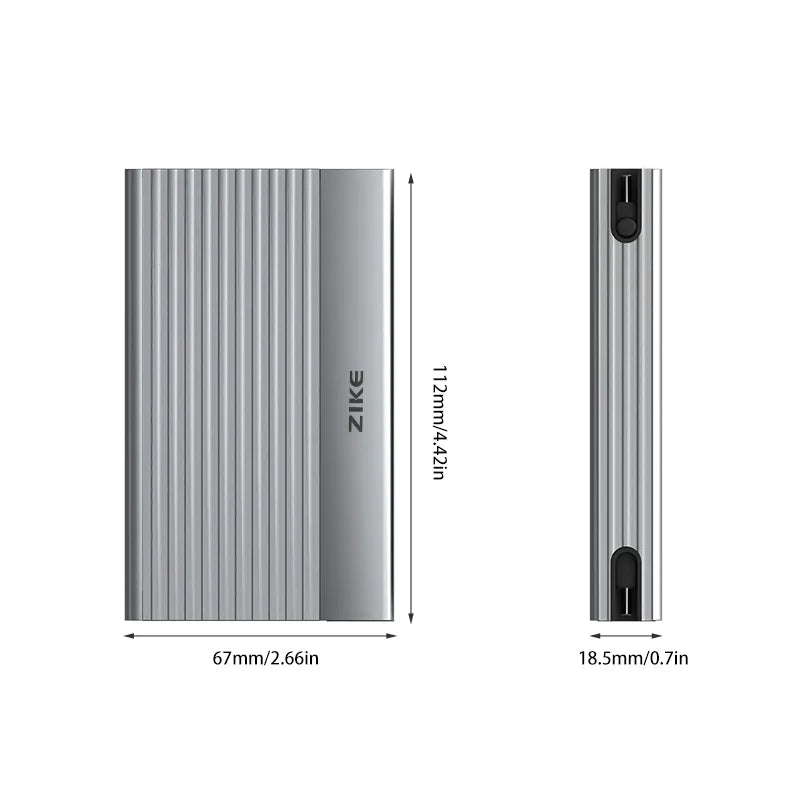
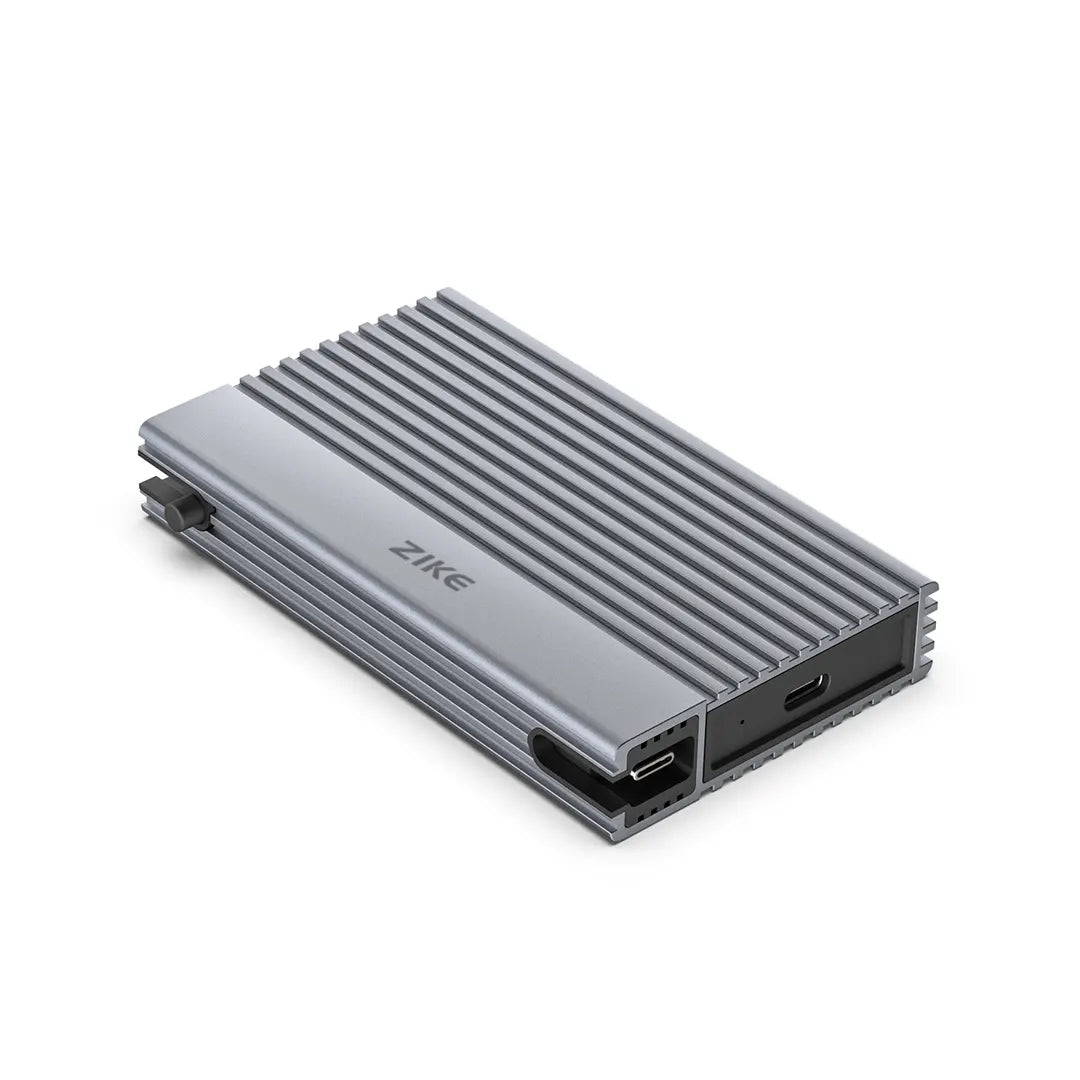
Whether you're daisy-chaining displays or just wanting a reliable enclosure like our ZikeDrive Z666 USB4 HDD box (perfect for Mac/Windows crossovers), let's untangle the cables and spot the trends shaping 2026 and beyond.
Let's strip it down: USB4 is the USB Implementers Forum's (USB-IF) open standard, evolving from USB 3.x into a versatile beast that tunnels data, power, and video over USB-C.
Version 2.0, rolling out widely in 2025, promises up to 80Gbps bidirectional— but here's the catch: It's optional, so many devices stick to 40Gbps or less, per USB.org specs.
Thunderbolt 5 (TB5), Intel's proprietary powerhouse (with royalties), builds on TB4 but cranks it up: Mandatory 80Gbps bidirectional, with a "Bandwidth Boost" mode hitting 120Gbps one-way for displays.
Launched in late 2024, it's hitting stride in 2025 Intel laptops like Arrow Lake and AMD platforms adopting it selectively.
Both use USB-C ports, but TB5 requires certification for full perks, as Intel's TB5 page details.
Humor break: Think of USB4 as the friendly neighborhood spider—webs everywhere, adaptable. TB5? More like a high-speed falcon—precise, powerful, but picky about its perch.
The headline grabber: Speed.
USB4 v2 tops at 80Gbps (40Gbps common in budget gear), while TB5 guarantees 80Gbps bidirectional, spiking to 120Gbps outbound for video-heavy tasks.
In PCMag's 2025 tests, TB5 enclosures shredded 4K edits at 10GB/s+ sustained, vs. USB4's 5-8GB/s variability.
But real talk: For most users, 40Gbps (TB4/USB4 baseline) suffices—copying 100GB in under 3 minutes.
TB5 shines in pro workflows: AI rendering or RAID arrays, where extra lanes (PCIe 4.0 x4) minimize bottlenecks.
Drawback? TB5's premium cables and devices add cost—expect $50+ for certified ones.
Trend alert: With PCIe 5.0 SSDs like Crucial T700 flooding markets, enclosures supporting TB5 (e.g., OWC's ThunderBlade) pull ahead, but USB4's ubiquity keeps it relevant for cross-platform folks.

Here's where it gets tangled: Both are USB-C based, so TB5 devices plug into USB4 ports—but at USB4 speeds.
Vice versa? USB4 gear works on TB5, often at full tilt.
Intel's ecosystem lock-in means TB5 daisy-chaining (up to 6 devices) is seamless on Thunderbolt hosts, while USB4's optional tunneling can glitch on non-Intel rigs.
In 2025, AMD's Ryzen AI 300 series embraces USB4 v2 (80Gbps optional), blurring lines, but full TB5 certification remains Intel-heavy.
Our Zike surveys show 58% of Mac users stick to Thunderbolt for "it just works" vibes, while Windows creators mix USB4 for affordability.
Pro tip: Check port labels—look for the lightning bolt for Thunderbolt.
For enclosures like our ZikeDrive Z666 (USB4/Thunderbolt 4 compatible), it bridges both worlds—plug into TB5 for future-proofing without the full premium.

Power play: Both hit 240W PD in 2025 specs (up from 100W in TB4/USB4 v1), juicing laptops like the M3 MacBook Pro mid-transfer.
But TB5's dynamic allocation (e.g., prioritizing displays) edges it for multi-monitor setups: Triple 4K 120Hz or dual 8K 60Hz, vs. USB4's dual 4K 60Hz cap in most implementations.
Trend-wise: As remote work booms, TB5's video prowess appeals to creators daisy-chaining 8K monitors, while USB4's flexibility suits hubs like our ZIKE USB-C hub for mixed-device desks.
Caveat: High-power needs quality cables—grab certified ZIKE USB4 braided ones to avoid fizzles.
Let's ground it: For video editors shuttling 8K RAW files, TB5's bandwidth boost slashes export times—think 20% faster on TB5 enclosures vs. USB4, per user betas.
Gamers? TB5's low-latency PCIe tunneling enables external GPUs at near-native speeds, a 2025 hotspot with eGPU docks.
Everyday pros: USB4 shines in affordable storage like portable SSDs (e.g., Samsung T9 at 2,000MB/s), while TB5 justifies its premium for daisy-chained setups in creative studios.
Zike customer story: One photographer swapped USB4 for TB5 docking, boosting multi-monitor workflows by 30%—but stuck with USB4 enclosures for cost.
In 2025, hybrid trends emerge: Mix USB4 peripherals with TB5 hosts for balanced bang-for-buck.
ZikeTech


Adoption curve: TB5 hits 20% of new laptops by mid-2025 (Intel estimates), lagging behind USB4's 60% penetration due to royalties and AMD's partial embrace.
Challenges? Fragmentation—USB4's "optional" specs lead to buyer confusion, while TB5's ecosystem lock risks alienating non-Intel users.
Looking ahead: USB4 v3 (rumored for 2026) could match TB5's 120Gbps, per industry leaks, pushing convergence.
Sustainability trend: Eco-cables with recycled materials gain traction, and AI-optimized bandwidth (e.g., for edge computing) favors TB5's precision.
Zike insight: In our polls, 65% plan USB4 upgrades for affordability, but 45% eye TB5 for future-proofing.
Trend graph: USB4 and Thunderbolt 5 adoption rates 2025-2026
Alt: Line graph showing projected adoption trends for USB4 and Thunderbolt 5 in laptops and peripherals from 2025 to 2026.

No clear winner—depends on you.
USB4 for budget flexibility and broad compatibility (great for mixed ecosystems); TB5 for max performance in video/power-heavy tasks (Intel loyalists rejoice).
Mix 'em: Use USB4 enclosures on TB5 ports for value.
Budget under $100? USB4 cables/enclosures.
Pro splurge? TB5 docks.
Test your needs—grab a ZIKE USB4 bundle during our promo for a low-risk dip.

Yes, but at USB4 speeds—full compatibility, partial performance.
For multi-display pros or high-bandwidth needs, yes; casual users, stick to USB4.
Both up to 240W, but TB5 allocates smarter for mixed loads.
TB5 edges for 2026 trends, but USB4's openness adapts faster.
In the 2025 USB4 vs Thunderbolt 5 saga, it's evolution over revolution—faster pipes for our data deluge, with trends leaning toward hybrid harmony.
Whether you ride the USB4 wave or bolt with Thunderbolt, prioritize your workflow. No tech's perfect, but informed choices keep you connected.
Festive nudge: Our Christmas/New Year deals (through Jan 4) make dipping into USB4 easy—up to 55% off enclosures like Z666, plus blind boxes for surprises.
Drop your setup in comments—what's your high-speed hot take?