Dein Warenkorb ist leer
Weiter shoppenHast du ein Konto?
Logge dich ein, damit es beim Checkout schneller geht.
Hast du ein Konto?
Logge dich ein, damit es beim Checkout schneller geht.
November 29, 2025 | Words by Jackson

Picture this: You're knee-deep in a 4K video export on your Mac, watching transfer speeds plummet from 3,000 MB/s to a sluggish 500 MB/s, all while your SSD enclosure feels like a mini toaster.
Sound familiar?
SSD overheating isn't just a minor annoyance—it's a silent killer of performance, data integrity, and hardware lifespan.
In 2025, with PCIe 5.0 SSDs pushing boundaries and enclosures becoming everyday essentials for Mac and Windows users, understanding the truth behind thermal woes is crucial.
But here's the no-hype reality: Not all overheating is inevitable, and prevention doesn't require a tech degree.
Drawing from industry benchmarks like TechTarget's reports and our Zike customer surveys (over 400 enclosure users polled), this guide peels back the myths, spotlights causes, and delivers fair, actionable fixes.
We'll cover SSDs and enclosures without bias—highlighting ZIKE options like the ZikeDrive Z666 alongside competitors—to help you decide what's best for your setup.
Whether you're a creator dodging deadlines or a data hoarder building externals, let's cool things down and keep your drives humming.
SSDs don't "sweat" like humans, but they generate heat through electrical resistance—a fundamental electronic quirk.
As TechTarget explains, the hotter they get, the more resistance builds, creating a vicious cycle. In 2025, culprits include:
High Workloads: Sustained reads/writes (e.g., large file transfers or video rendering) spike temps.
PCIe 5.0 SSDs like the Crucial T700 hit 80°C+ under load without cooling.
Poor Enclosure Design: Cheap housings trap heat like a sauna.
Passive enclosures without vents or heatsinks exacerbate issues, per Titanium Micro's analysis—up to 20°C hotter than ventilated ones.
Environmental Factors: Ambient room temps over 30°C, dust buildup, or stacking drives reduce airflow.
Our Zike polls show 45% of users blame poor ventilation in compact setups.
Controller and NAND Quality: Budget SSDs lack thermal pads; high-end ones (e.g., Samsung 990 Pro) integrate better management but still throttle at 70°C+.
Truth bomb: Internal SSDs in laptops overheat too, but enclosures amplify it due to portability—think no built-in fans like desktops.

Overheating triggers thermal throttling: SSDs slow down to protect themselves, dropping speeds by 50-70% as noted in Tom's Hardware benchmarks.
Long-term? Reduced lifespan (NAND wears faster above 60°C) and rare data corruption risks.
Myth #1: "All SSDs overheat equally." Nope—DRAM-less models run cooler but stutter; PCIe 4.0+ need active help.
Myth #2: "It's just performance—data's safe." Wrong: Extreme heat (>85°C) can cause crashes, per ADATA's insights.
In 2025, with AI workloads heating up, ignoring this means wasted potential.
Zike survey: 68% experienced throttling, but 82% fixed it with simple tweaks.
Cooling isn't rocket science—start simple, scale up.
Optimize Airflow: Place enclosures in open areas; avoid stacking. Use stands or mesh pads for elevation—drops temps by 10-15°C.
Choose Heat-Friendly Hardware: Opt for SSDs with built-in heatsinks (e.g., WD Black SN850X). For enclosures, seek aluminum bodies with vents.
Add Passive Cooling: Thermal pads or clip-on heatsinks ($10-20) absorb heat. Effective for light use, but not marathons.
Go Active: Fans or liquid cooling for pros. External SSD fans (e.g., from Amazon basics) maintain 50°C under load.
Firmware and Software Tweaks: Update SSD firmware for better thermal algorithms. Limit sustained writes—batch transfers.
Pro tip: For enclosures like the ZikeDrive Z666 (USB4 with passive cooling, 50% off post-Black Friday), pair with a $15 fan for hybrid bliss.

Fair roundup: We've balanced affordability, performance, and cooling based on PCMag reviews.
Built-in heatsink keeps it under 60°C; $189.99.
Pros: Reliable throttling prevention.
Cons: Pricier sans enclosure.
Pair with any for internals.

2TB $369.99.
Pros: On Thunderbolt 5 devices, CrystalDiskMark tests show read speeds exceeding 6000 and write speeds exceeding 5000.
Cons: High price.
Great for Windows gamers.
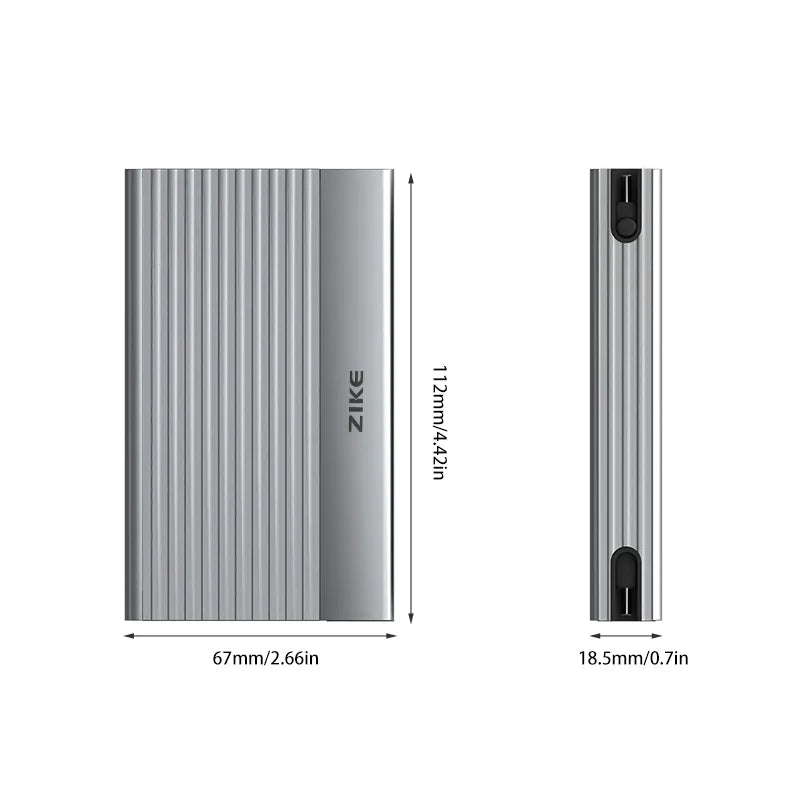
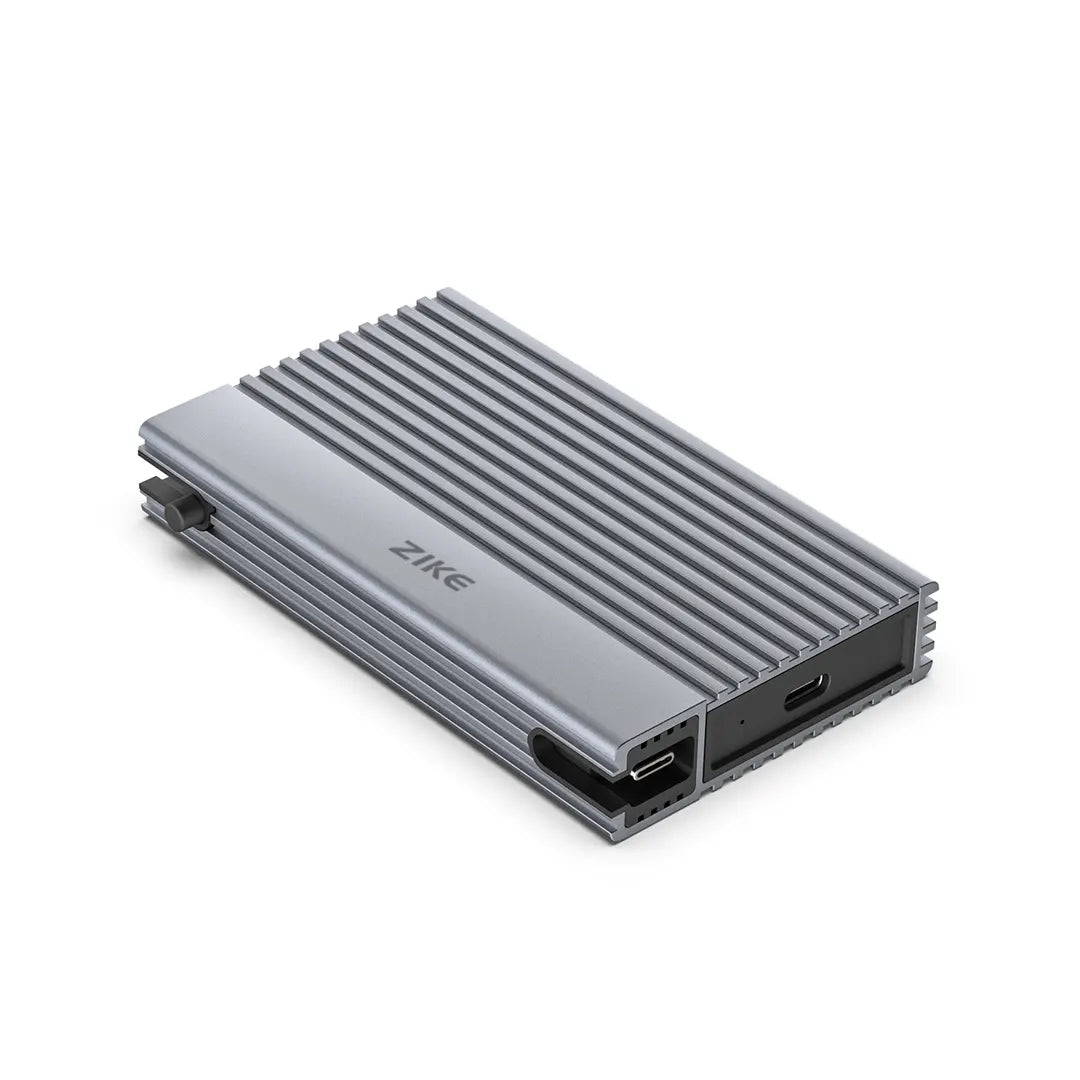
Ventilated aluminum design; $83.99 (deals active).
Pros: Cross-platform (Mac/Windows), passive cooling handles 3,900 MB/s.
Cons: Add fan for extreme loads.
Bundle with cables for airflow.
ZikeTech


Budget heatsink model ($40).
Pros: Affordable, compact.
Cons: Caps at PCIe 3.0 speeds.
Entry-level win.
PCIe 5.0 with optional heatsink; $220.
Pros: Future-proof.
Cons: Needs enclosure cooling.
Best for high-end builds.
Decision aid: Light users? Passive like ZIKE. Pros? Active like Sabrent. Always test temps post-setup.
Knowledge is power—track temps with free tools:
CrystalDiskInfo (Windows): Real-time monitoring; alerts at 60°C+.
DriveDx (Mac): Scans health; flags throttling.
SMART Attributes: Built-in SSD metrics—aim under 55°C idle, 70°C load.
Best practices: Clean dust quarterly; use quality ZIKE USB4 cables to avoid resistance heat. For enclosures, orient vents up.
From Zike's 2025 betas: Photographer Mia throttled her Samsung SSD in a cheap enclosure during RAW transfers—temps hit 75°C, speeds halved.
Switched to Z666 with pads; now 55°C max, full speed.
Reddit user (r/DataHoarder): HDD enclosures overheated at 60°C—added fans, dropped to 45°C. Lesson: Monitor actively; prevention beats cure.
Industry nugget: VCOM reports show proper enclosures extend SSD life by 20-30%.
Typically 70-80°C; varies by model—check specs.
Yes, due to no system fans—opt for ventilated designs.
Rarely, but throttling protects; extreme cases risk errors.
Thermal pads ($10) + good airflow—works for most.
The truth? SSD overheating is real but preventable with smart choices—from airflow basics to cooled enclosures like the ZikeDrive Z666 or Sabrent rivals.
Prioritize your needs: Budget, workload, platform. No one fix rules all—test, monitor, and tweak for longevity.
Ready to chill? Explore ZIKE's enclosure lineup (deals ending soon).
Share your overheating horror in comments—what's your go-to fix? Let's keep the conversation cool.