July 11, 2023 | Words by Jackson
The advent of USB 4 has revolutionized the way we transfer data and connect devices.
In this article, we will delve into the realm of USB 4, exploring its definition, working mechanism, advantages, differences from USB-C and Thunderbolt, available devices, and offer some final thoughts on this groundbreaking technology.
Read on to find out everything you need to know about this mysterious USB 4!
USB 4 is a high-speed serial bus standard that was introduced by the USB Implementers Forum (USB-IF).
Is a high-speed data transfer and power delivery protocol that enhances the connectivity experience.
It is the successor to USB 3.2 and was officially announced in 2019.
USB 4 is based on Intel's Thunderbolt 3 technology and incorporates several advancements over previous USB versions.
It builds upon the foundation of its predecessors while introducing several advancements to cater to the increasing demands of modern digital enthusiasts.
USB 4 operates as a high-speed serial bus that uses the USB-C connector for physical connectivity.
It relies on a combination of technologies, including Intel's Thunderbolt 3 protocol, to achieve its enhanced capabilities.
Here's a more detailed explanation of how USB 4 works:
By combining these features and technologies, USB 4 provides high-speed data transfer, versatile connectivity options, and improved power delivery capabilities, making it a robust and flexible solution for connecting various devices and peripherals.
USB technology has evolved significantly since its inception. USB 1.0 started with a modest transfer speed of 12 Mbps, which gradually increased to 480 Mbps with USB 2.0. USB 3.0 brought a major leap with transfer speeds up to 5 Gbps, which was later refined to 10 Gbps with USB 3.1. Now, USB 4 takes it even further with an impressive 40 Gbps transfer speed.
USB 4 supports daisy-chaining, allowing multiple devices to be connected in a series. It also enables the delivery of up to 100W of power, facilitating fast charging for compatible devices. Additionally, USB 4 ports can transmit video and audio signals, reducing the need for separate display and audio connectors.
USB 4 refers to the latest USB standard, while USB-C is a type of connector.
USB 4 can operate through a USB-C port, but not all USB-C ports support USB 4.
USB-C is a versatile connector that can support various protocols, including USB 4, USB 3.1, and Thunderbolt 3.
USB 4 incorporates Thunderbolt 3 technology, making it similar in terms of performance and capabilities.
However, Thunderbolt offers additional features such as higher power delivery and support for external GPUs.
The choice between USB 4 and Thunderbolt depends on the specific requirements of your devices.
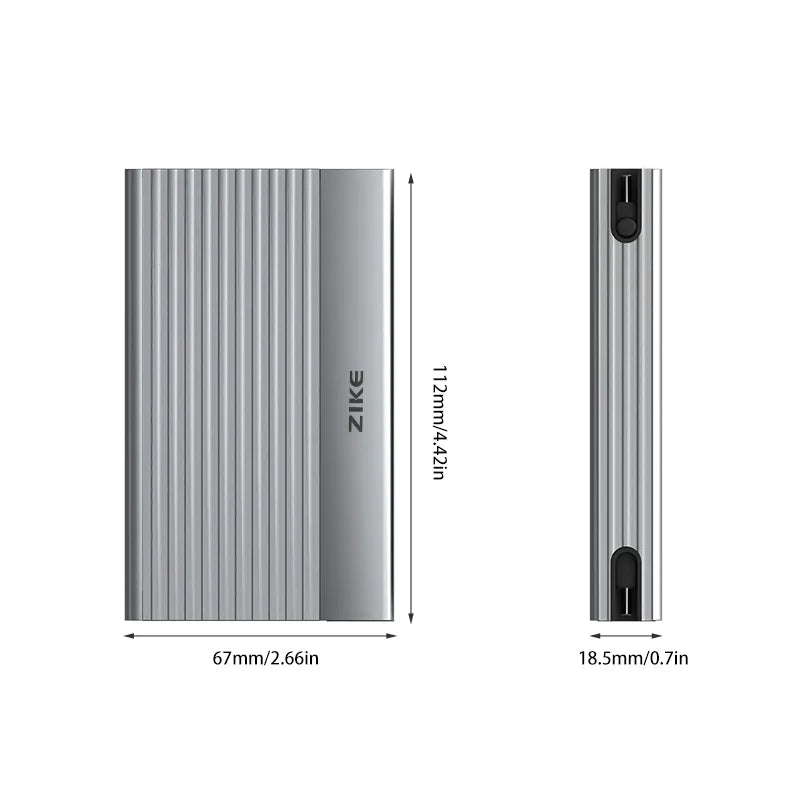
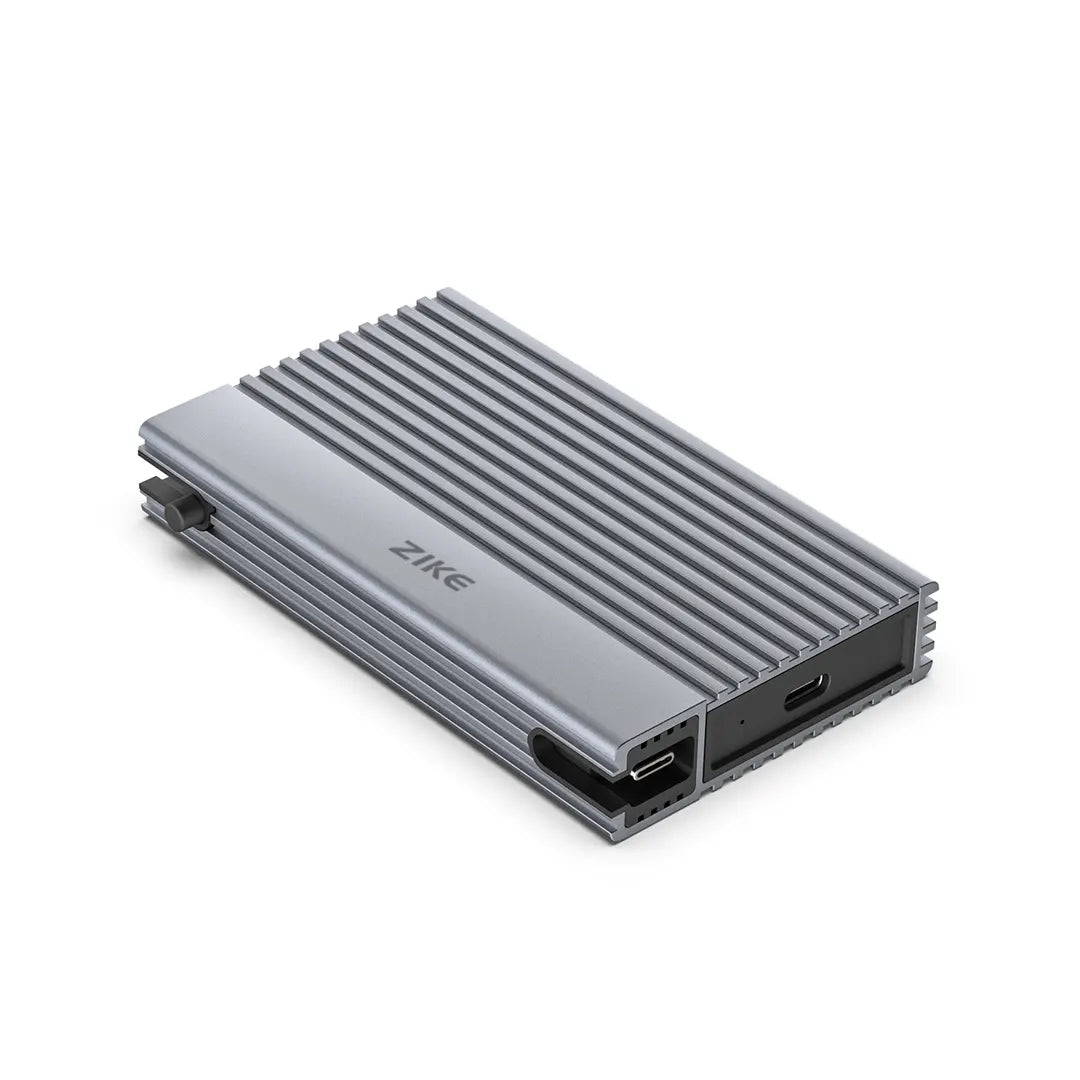
USB 4 devices are gaining popularity, and manufacturers are embracing this technology. Some of them are listed below. But it's worth noting that you'll want to pay close attention to the product name before buying, as USB 4 products will often include USB 4 as a handy reminder.
ZikeTech



USB 4 provides higher data transfer speeds, expanded protocol support, improved power delivery capabilities, and enhanced audio/video capabilities compared to USB 3.2.
USB 4 is designed to be a more versatile and future-proof standard, catering to the evolving needs of devices and users.
Yes, you can use USB 3.0 and USB 3.1 devices with USB 4 ports.
When you connect a USB 3.0 or USB 3.1 device to a USB 4 port, the device will operate at its respective USB 3.0 or USB 3.1 speeds.
The data transfer rates will be limited to the capabilities of the specific device or port.
Yes, USB 4 supports power delivery capabilities, allowing it to deliver power to devices connected through USB 4 ports.
USB Power Delivery (USB PD) is a protocol that enables power delivery over USB connections, and USB 4 incorporates USB PD.
No, USB 4 is not limited to specific operating systems.
It is designed to be a cross-platform standard and can work with various operating systems, including Windows, macOS, Linux, and others.
However, it's worth noting that the specific functionality and features of USB 4 may be influenced by the operating system and its level of support for the USB 4 standard.
For example, certain features or performance optimizations may require specific drivers or software updates provided by the operating system or device manufacturer.
To ensure the best compatibility and performance with USB 4, it's recommended to keep your operating system up to date with the latest USB drivers and system updates.
USB 4 marks a significant milestone in the world of connectivity.
Its exceptional speed, improved bandwidth allocation, backward compatibility, and diverse range of supported devices make it an ideal choice for 3C digital enthusiasts.
With USB 4, the possibilities for data transfer and device connectivity are endless.

Should you choose the Mac mini M6 or save with the M4? Explore the real differences in performance, RAM, internal storage, and USB4 SSD options to build a more flexible...
Should you choose the Mac mini M6 or save with the M4? Explore the real differences in performance, RAM, internal storage, and USB4 SSD options to build a more flexible...

Looking for more storage for your MacBook Neo? Discover compact 10Gbps SSD solutions from ZIKE, including Z791C, magnetic 2230 enclosures, and flexible M.2 storage for MacBook, iPhone, and iPad.
Looking for more storage for your MacBook Neo? Discover compact 10Gbps SSD solutions from ZIKE, including Z791C, magnetic 2230 enclosures, and flexible M.2 storage for MacBook, iPhone, and iPad.

Looking for the best accessories for your MacBook Neo? From expanding connectivity with USB-C hubs to staying powered with compact GaN chargers and adding extra storage, explore the essential gear...
Looking for the best accessories for your MacBook Neo? From expanding connectivity with USB-C hubs to staying powered with compact GaN chargers and adding extra storage, explore the essential gear...

Author Bio:By Jordan Hale, Apple Ecosystem Optimization Expert with 12+ years of hands-on experience. I’ve stress-tested more USB-C accessories on iPhone Pro models than most creators will ever plug in...
Author Bio:By Jordan Hale, Apple Ecosystem Optimization Expert with 12+ years of hands-on experience. I’ve stress-tested more USB-C accessories on iPhone Pro models than most creators will ever plug in...